
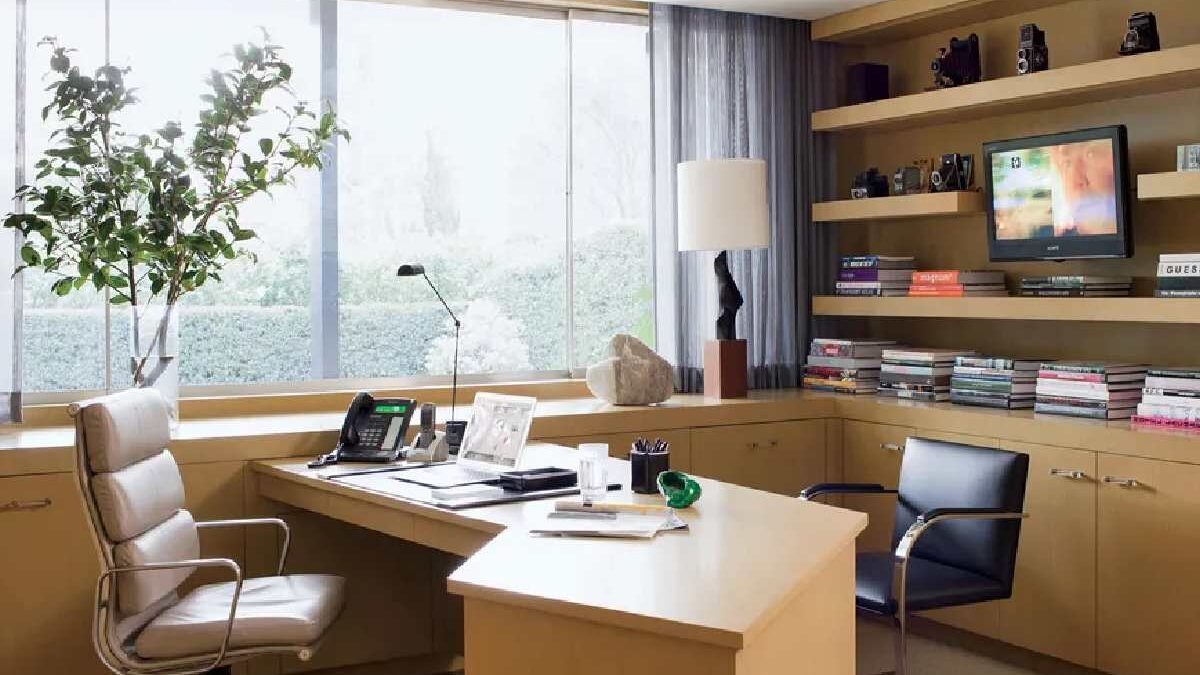
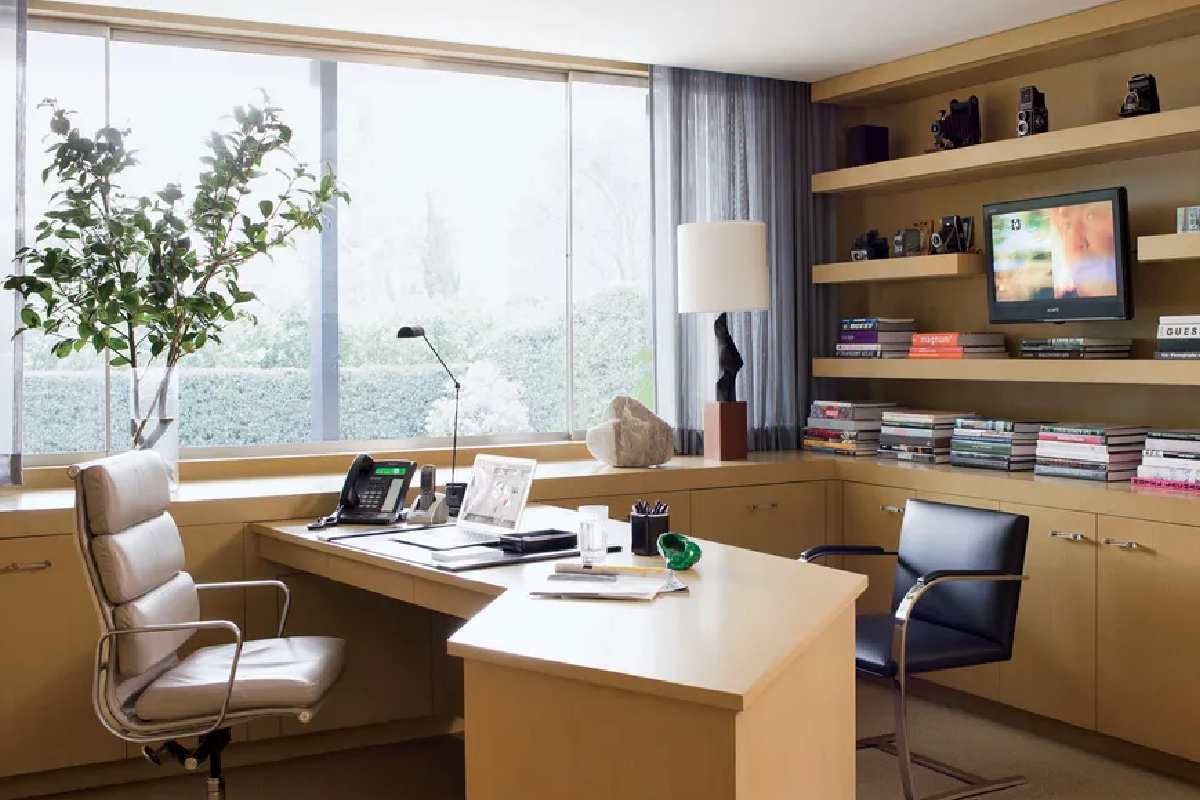
There is an unprecedented number of people who work at home. Due to technology, millions of individuals can now attend to their work without going to an office. According to a study conducted by McKinsey & Company, approximately 58 percent of employees in the U.S. or that is 92 million people have the capacity to work out of their offices. This change is seeing a number of people establishing home offices which make them feel at home and productive.
Table of Contents
About Efficient Home Workspace
An efficient home workspace is a thoughtfully designed area in your home that supports productivity, comfort, and focus. It balances ergonomics, organization, lighting, and technology so you can work effectively without physical strain or distractions.
Benefits of an Efficient Home Workspace
| Benefit | How It Helps | Result |
| Higher Productivity | Organized layout and proper tools reduce distractions | More work done in less time |
| Better Focus | Quiet, dedicated workspace improves concentration | Improved quality of work |
| Improved Comfort | Ergonomic chair and desk reduce physical strain | Less back, neck, and shoulder pain |
| Reduced Stress | Clean and clutter-free environment feels calming | Better mental well-being |
| Time Efficiency | Everything is within reach | Saves time and energy |
| Professional Setup | Clean background and good lighting for calls | Better impression in meetings |
| Health Benefits | Proper posture and lighting protect body and eyes | Long-term physical health |
| Work-Life Balance | Defined work area separates work from home life | Clear boundaries |
| Increased Motivation | Pleasant and personalized space | Boosts daily motivation |
| Better Organization | Storage systems keep documents accessible | Less confusion and errors |
Core Objectives of an Efficient Home Workspace
| Objective | Description | Research Rationale |
| Productivity Optimization | Minimize friction in task execution | Reduced cognitive load improves task completion rates |
| Physical Health | Prevent musculoskeletal disorders | Poor ergonomics linked to chronic pain and absenteeism |
| Cognitive Focus | Reduce distractions and fatigue | Environmental distractions increase error rates |
| Flexibility | Support varied work modes | Task switching efficiency improves with adaptive layouts |
| Sustainability | Energy and material efficiency | Lower long-term operational costs |
Tips to Improve Efficiency
| Tip | What to Do | Benefit |
| Declutter Regularly | Keep only essential items on your desk | Reduces distractions |
| Use Ergonomic Furniture | Choose a supportive chair and proper desk height | Improves comfort and posture |
| Optimize Lighting | Use natural light and a desk lamp | Reduces eye strain |
| Organize Cables | Use cable clips or trays | Keeps workspace neat |
| Set a Daily Schedule | Plan tasks with time blocks | Improves time management |
| Minimize Distractions | Silence notifications or use focus mode | Better concentration |
| Use Storage Solutions | Shelves, drawers, organizers | Easy access to items |
| Position Screen Correctly | Keep monitor at eye level | Prevents neck strain |
| Take Short Breaks | Follow the 20-20-20 rule | Reduces fatigue |
| Personalize Smartly | Add plants or minimal décor | Boosts motivation |
Workspace Zoning and Spatial Planning
Effective home workspaces are structured around functional zoning, even in limited spaces.
Common Workspace Zones
| Zone | Purpose | Key Design Considerations |
| Primary Work Zone | Core task execution | Desk height, monitor alignment, chair support |
| Reference Zone | Documents, books, tools | Vertical storage, easy reach |
| Technology Zone | Power and connectivity | Cable management, surge protection |
| Break/Reset Zone | Cognitive recovery | Visual separation, softer lighting |
5 Tips for Optimal Productivity
The following are 5 simple steps of creating a home office that will enable you to focus and accomplish more.
1. Arrange Your Desk Before a Video Conference
You are working at your home office and you are not alone there you are with your team online. This implies that you should prepare your area to make video calls.
Lighting: Good lighting makes you look presentable and professional. When there is a shortage of sunlight, a lamp or light panel may be used.
Sound: You can be heard better with a good headset or microphone. This is to prevent miscommunication.
Background: Have a clean and simple background. It is also possible to change the background of various meetings using a green screen.
2. Keep Noise Away using Soundproofing
It may be difficult to concentrate because of noise in the outside or the other rooms. Others to correct this, attempt to soundproof your workspace.
Close-cell foam panels are one of the options. The materials will absorb the sound and make your room less noisy. They are also useful in maintaining room temperature whether it is hot or cold thus making it comfortable to work. They can be attached to the walls, ceilings or even the desk.
3. Put Comfort into the limelight with Ergonomics
Prolonged sitting causes pain to the back, neck and the shoulders. That is why it is so important to have ergonomics which is to design your space to suit your body.
Chair: Select a chair which allows a natural back curve. This assists you to sit erectly.
Height of desk: This is height of your desk which should allow you to type without bending your wrists. In case the desk is too high, a keyboard tray should be used. When a chair is too high, then you can have a footrest so that you have your feet flat.
Posture: Sit always in such a manner that your body is relaxed and in an upright position.
4. Be organized and clutter free
A cluttered desk creates a difficulty in focusing. By maintaining your workspace clean, you will be able to keep your mind clear.
Consider what you actually require on your desk. It is possible to save most of the files digitally, so you do not need a significant amount of paper or drawers. A laptop, a notebook, and some essentials are normally sufficient.
It is not only that organization can save you time but also that it can help you feel calmer and gain control.
5. Include Greens and Sources of Vitality
Plants are not only beautiful, but they also clean the air and help to feel better. Research has indicated that individuals are less stressed and in a better state of concentration when in the company of plants.
Select low maintenance plants such as snake plants, pothos or succulents. They do not require a lot of attention and at the same time give your office life and freshness.
Ergonomic Design Principles
Desk, Chair, and Monitor Alignment
| Component | Recommended Standard | Efficiency Impact |
| Desk Height | 70–75 cm (adjustable preferred) | Neutral wrist and elbow posture |
| Chair | Lumbar support + seat depth adjustment | Reduced spinal compression |
| Monitor Height | Top of screen at eye level | Lower neck strain |
| Viewing Distance | 50–70 cm | Reduced eye fatigue |
Environmental Factors and Performance
Lighting, Acoustics, and Air Quality
| Factor | Optimal Range | Performance Effect |
| Lighting | 300–500 lux (task lighting) | Improved accuracy and alertness |
| Noise Level | < 55 dB | Higher concentration and memory retention |
| Air Quality | CO₂ < 1000 ppm | Reduced fatigue and headaches |
| Temperature | 22–25°C | Optimal cognitive performance |
Technology Infrastructure and Digital Efficiency
Core Technology Components
| Category | Tools | Efficiency Contribution |
| Hardware | Dual monitors, noise-canceling headset | Faster task switching |
| Connectivity | Stable broadband (≥50 Mbps) | Reduced downtime |
| Power | UPS, surge protectors | Work continuity |
| Input Devices | Ergonomic keyboard/mouse | Reduced repetitive strain |
Software Stack Optimization
| Function | Software Type | Efficiency Benefit |
| Task Management | Kanban / to-do apps | Prioritization clarity |
| Communication | Unified messaging platforms | Reduced context switching |
| Focus | Website blockers, timers | Sustained attention |
| Backup | Cloud + local redundancy | Data security |
Storage and Organization Systems
Physical and Digital Organization
| Storage Type | Best Practices | Outcome |
| Physical | Vertical shelves, labeled drawers | Faster retrieval |
| Digital | Folder taxonomy, version control | Reduced duplication |
| Hybrid | Scan-and-store workflows | Space efficiency |
Clutter has been shown to increase cortisol levels, directly affecting decision-making quality.
Personalization vs. Standardization
| Aspect | Personalization | Standardization |
| Décor | Motivation and identity | Visual consistency |
| Layout | Comfort-based adjustments | Predictable workflows |
| Tools | Preference-driven | Process reliability |
Work-Life Boundary Management
Boundary Reinforcement Strategies
| Method | Implementation | Impact |
| Visual Boundaries | Screens, partitions | Psychological separation |
| Temporal Boundaries | Fixed work hours | Burnout prevention |
| Behavioral Rituals | Start/end routines | Mental transition support |
Cost vs. Efficiency Analysis
| Investment Area | Low Cost Option | High ROI Outcome |
| Chair | Entry-level ergonomic | Reduced medical costs |
| Lighting | LED task lamp | Eye strain reduction |
| Desk | DIY or modular | Improved posture |
| Acoustics | Foam panels / curtains | Focus improvement |
Efficiency gains often result from targeted investments, not full workspace overhauls.
Common Inefficiencies and Mitigation
| Inefficiency | Root Cause | Mitigation Strategy |
| Frequent Distractions | Poor layout | Zoning and noise control |
| Physical Discomfort | Static posture | Sit-stand rotation |
| Digital Overload | Tool redundancy | Software consolidation |
| Fatigue | Poor lighting/air | Environmental optimization |
Future Trends in Home Workspace Design
| Trend | Description | Efficiency Implication |
| Smart Desks | Height and posture sensors | Automated ergonomics |
| AI Productivity Tools | Task prediction and scheduling | Cognitive load reduction |
| Modular Furniture | Rapid reconfiguration | Multi-use adaptability |
| Biophilic Design | Plants, natural textures | Stress reduction |
Conclusion
Furniture is not the only thing required to create a home workspace. It is all about creating an environment where you can feel good, remain healthy and concentrate on things.
Your home office can become your place where you enjoy working day in day out with good lighting, less noise, ergonomic furniture, organization, and a few plants.
By simply working hard you can create a working environment that would motivate you to be creative, maintain your health, and achieve whatever you wanted to achieve.